Registration builds the population
Each session adds verified, specialty-tagged profiles with logins, rather than a list that expires with the event.
 Book a meeting
Webinars
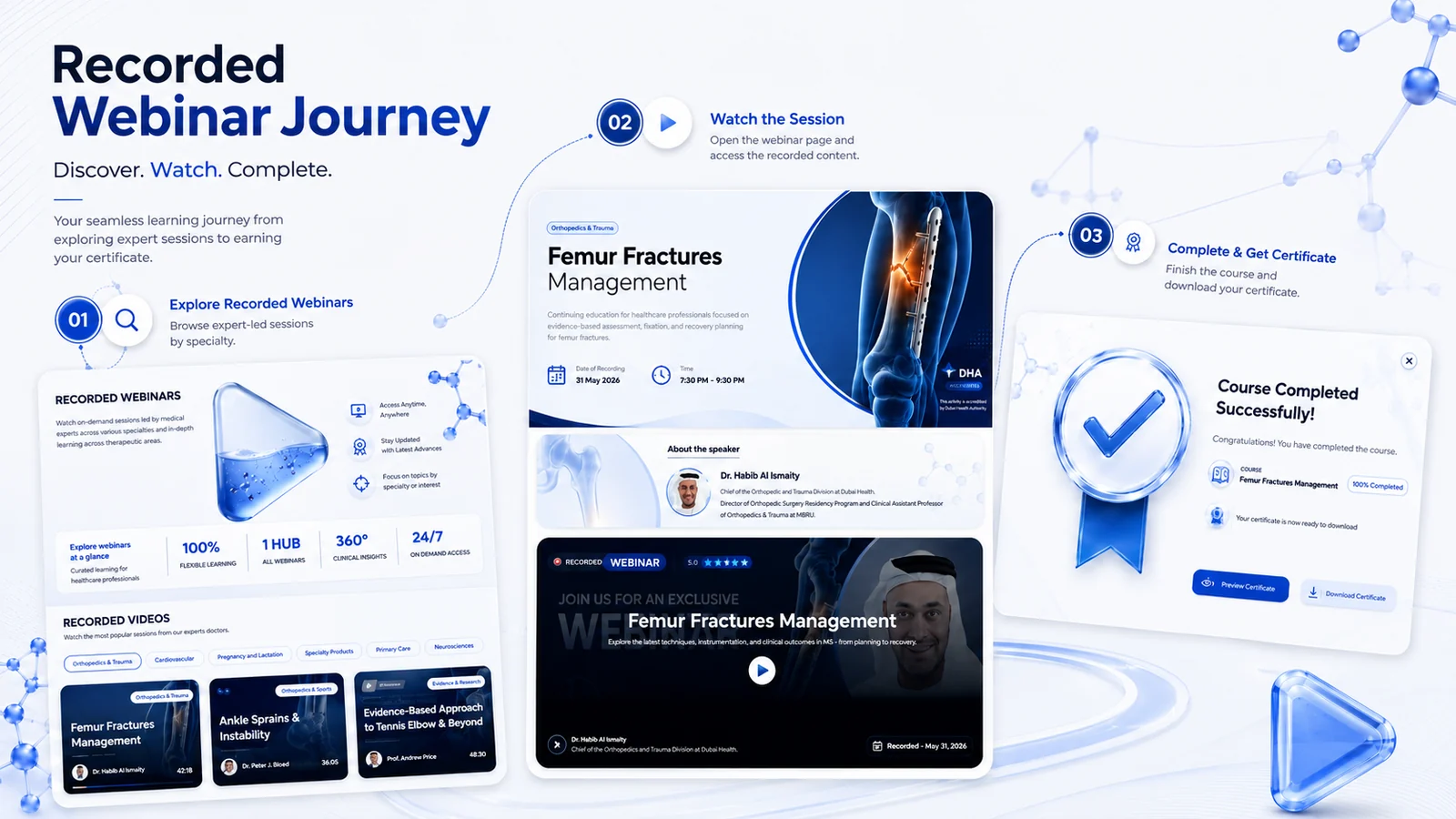
A webinar here is a campaign rather than an event: invited by email and WhatsApp, streamed on your own portal, then archived into an on-demand library. Every stage writes to the same profile per HCP, so the session becomes part of the record rather than a file exported after it.
The problem
A brand runs a session on a third-party platform. Registrations come in, some of those people attend, and afterwards the platform returns a spreadsheet of email addresses.
Weeks later nobody can say which of those attendees read anything else, whether they came back, or what to send them next. The hour happened, and nothing was left behind that could be used again.
The event was not the problem. The absence of anywhere for it to land was. A session needs an environment that already holds the profile, the content and the history, so that attending is an entry in a record rather than a line in an export.
The build
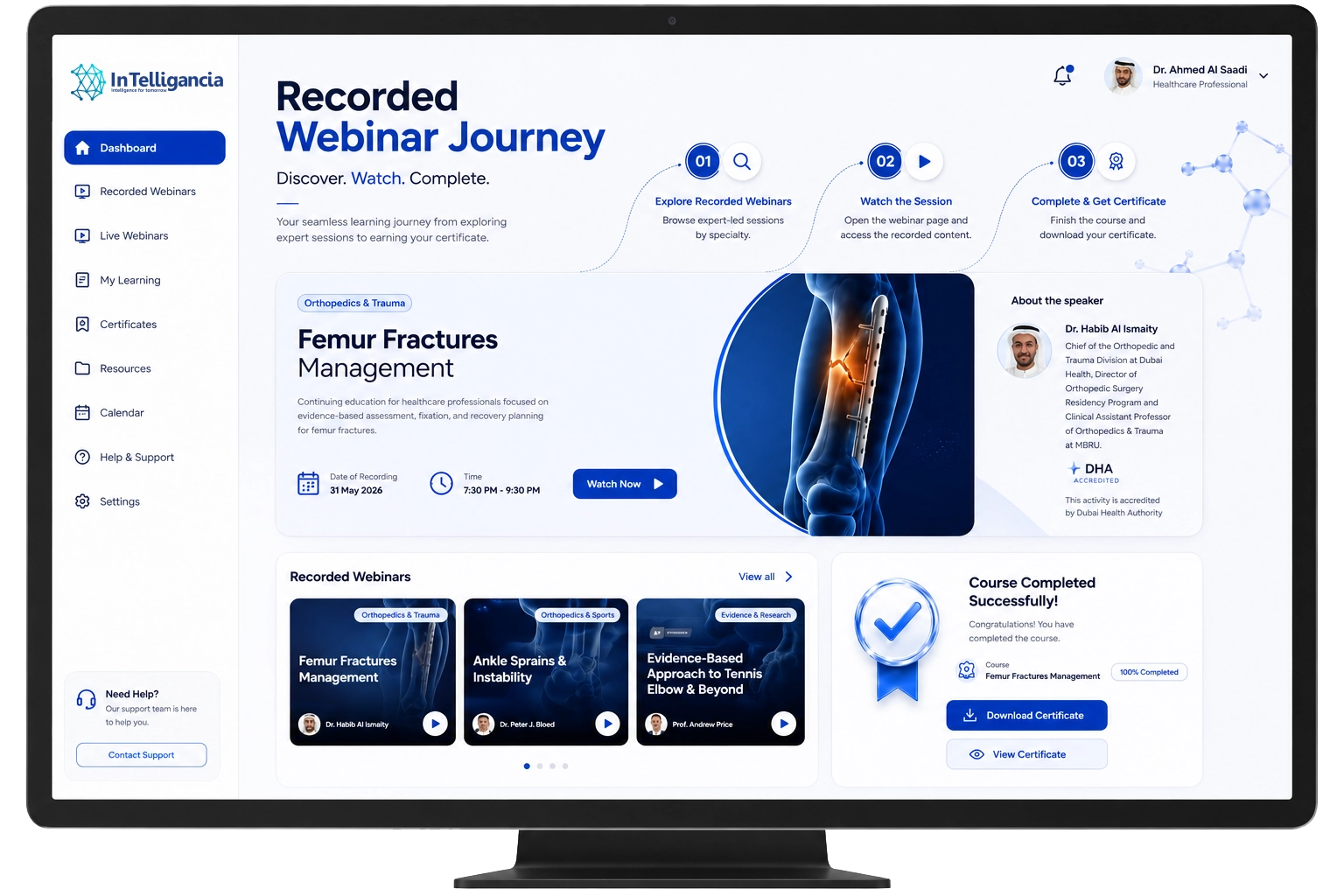
Every webinar runs the same build. Nothing is assembled ad hoc the week before.
A three-part email campaign — announcement, reminder and last call — written for the specialty being invited and pointing at a session page on your own domain with speakers, agenda and objectives.
RecordedSends, opens, clicks and registration sourceRegistration creates a verified, specialty-tagged profile with a login on your portal, not a row in an export.
RecordedNamed HCP, specialty, consent, registration timeWhatsApp reminders at 24 hours, at one hour and at go-live, running alongside the email reminder.
RecordedDelivery and read status per reminderThe session streams inside the portal, with no redirect to an external platform and no third-party branding around it.
RecordedJoin and leave times, watch-time, peak concurrencyQuestions are submitted and moderated live, and polls run to the room while it is happening.
RecordedQuestions asked and poll answers, per HCPRecording, certificate and related resources go out automatically, and the session moves into the on-demand library with speakers, agenda and Q&A intact.
RecordedFollow-up delivery, certificates, replays over time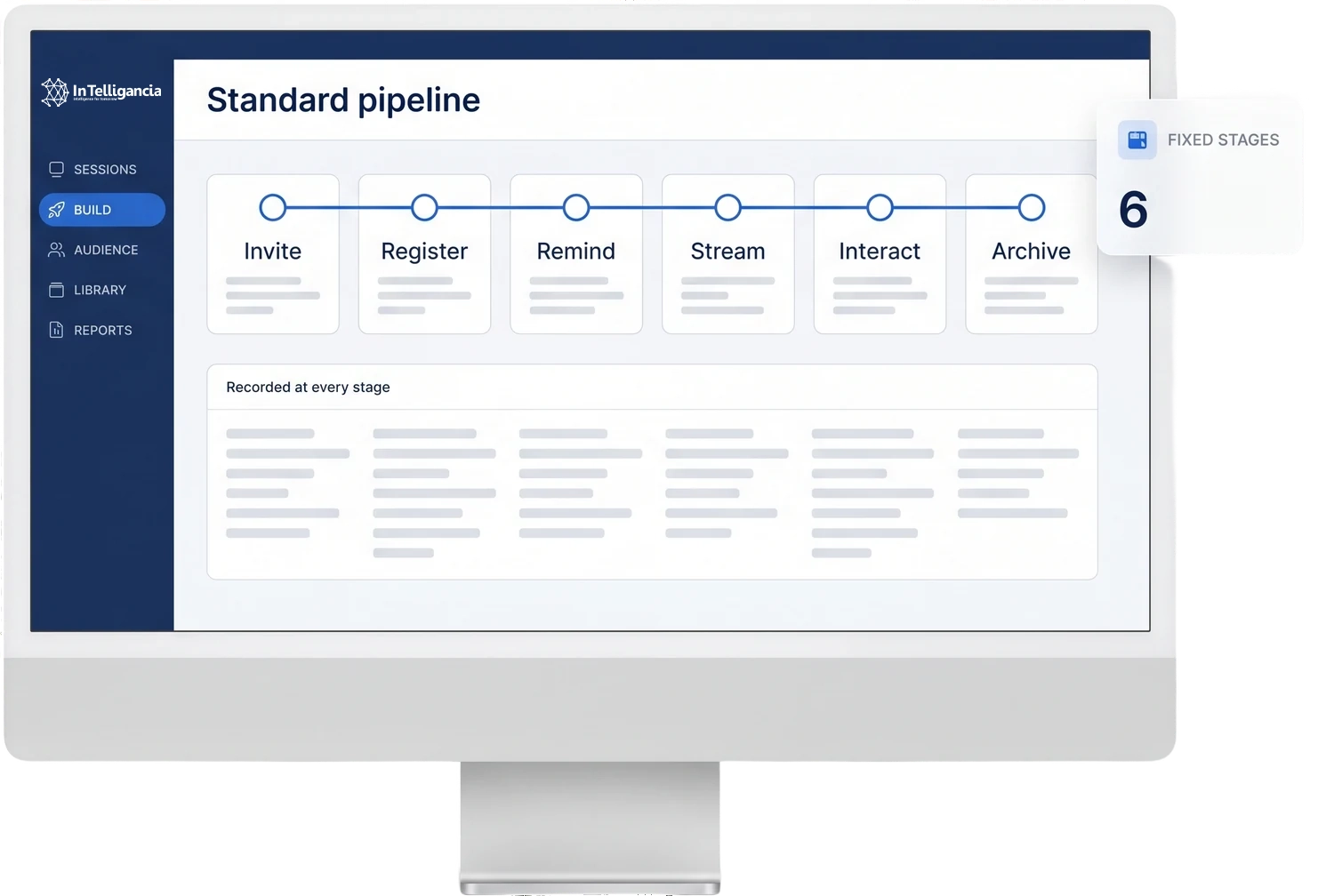
After the session
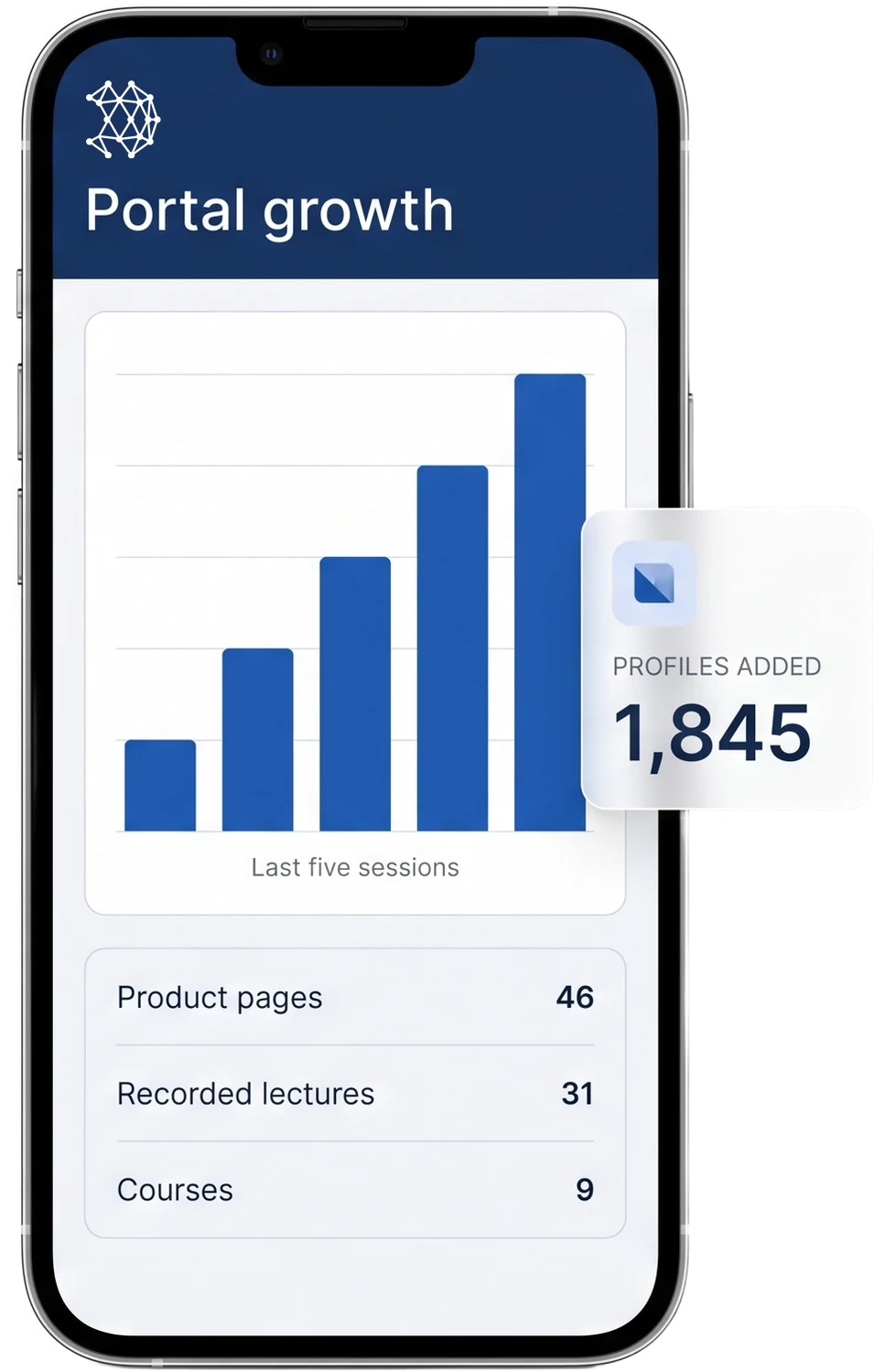
A session does not only fill a room for an hour. It adds named profiles that are still there once the recording has been archived.
Each session adds verified, specialty-tagged profiles with logins, rather than a list that expires with the event.
From the first login, registrants can open product pages, recorded lectures, SmPCs and courses published long before they arrived.
The fifth session is promoted to everyone who registered for the first four, and to everyone who has joined the portal since.
Speakers
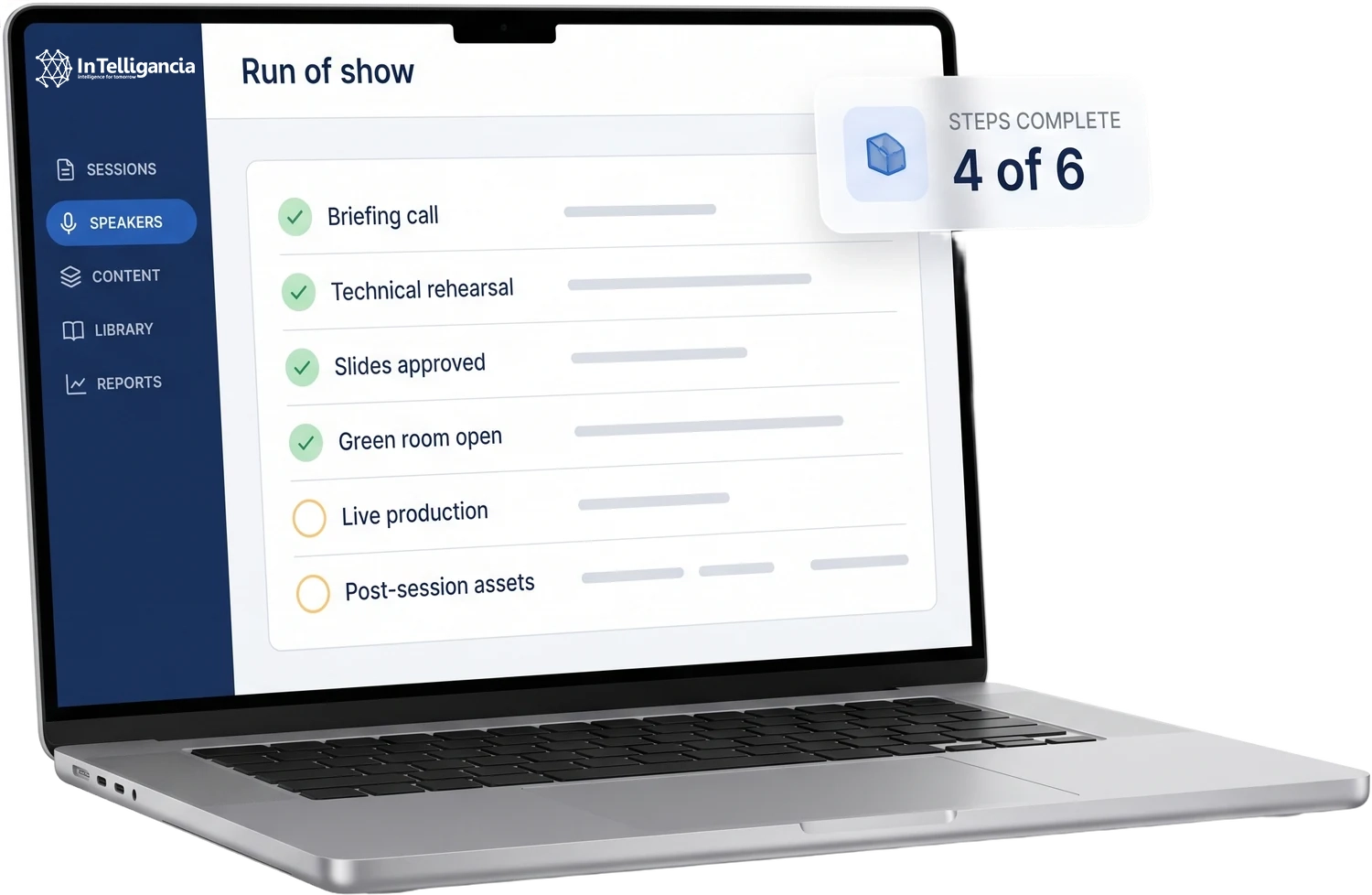
A speaker’s only job is the content. Everything around it — the rehearsal, the slide approval, the production and the follow-up — is run on their behalf.
Objectives, audience profile, format and timing agreed before anything is built.
A full dry run on the actual platform, not an assurance that it will work on the day.
Collection, formatting, medical approval routing and loading handled on the speaker’s behalf.
Speakers join, check audio and video, and wait without the audience seeing them.
A producer manages transitions, sharing and troubleshooting, including panels and moderated handovers.
The speaker receives their own recording, an attendance summary and the Q&A transcript.
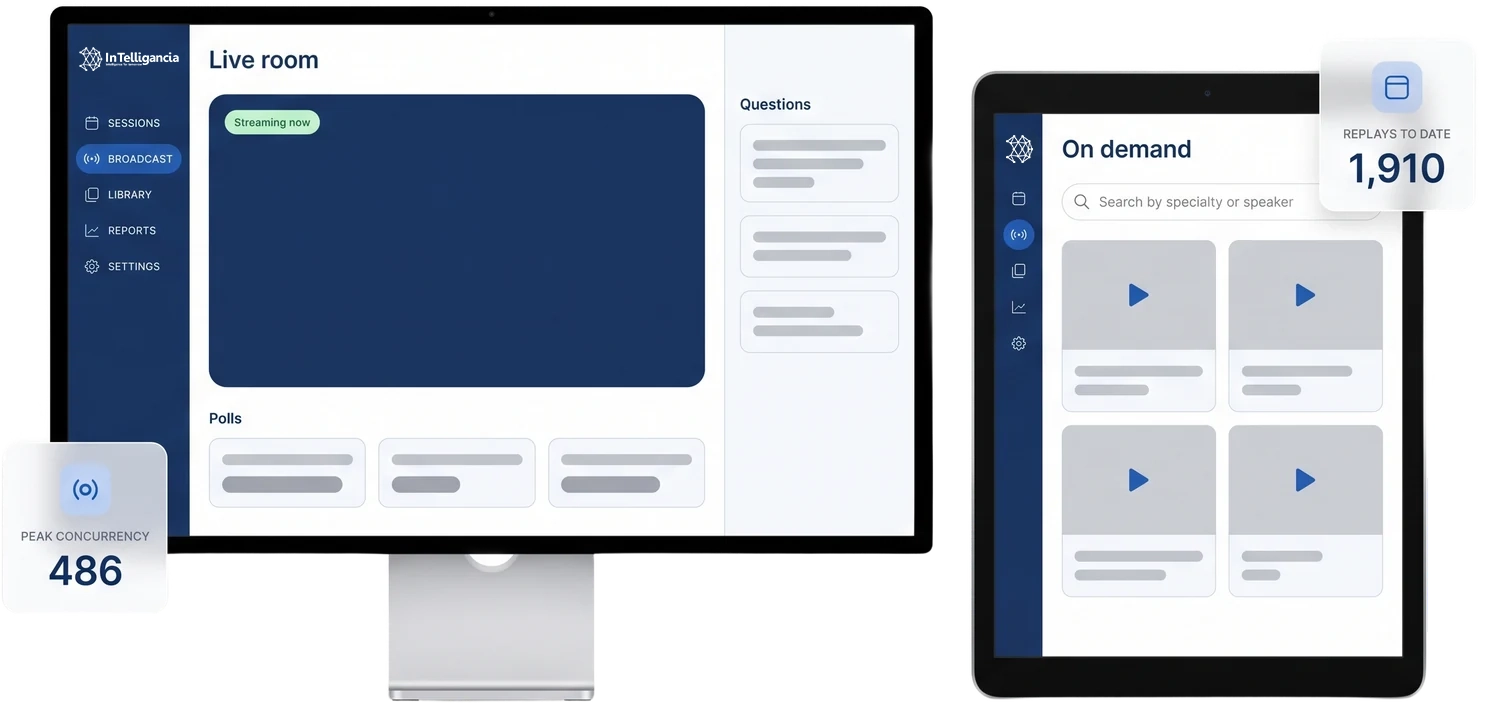
Live and on demand
The two formats do different jobs on the same session. The live room carries the hour itself; the archive carries everything that happens after it.
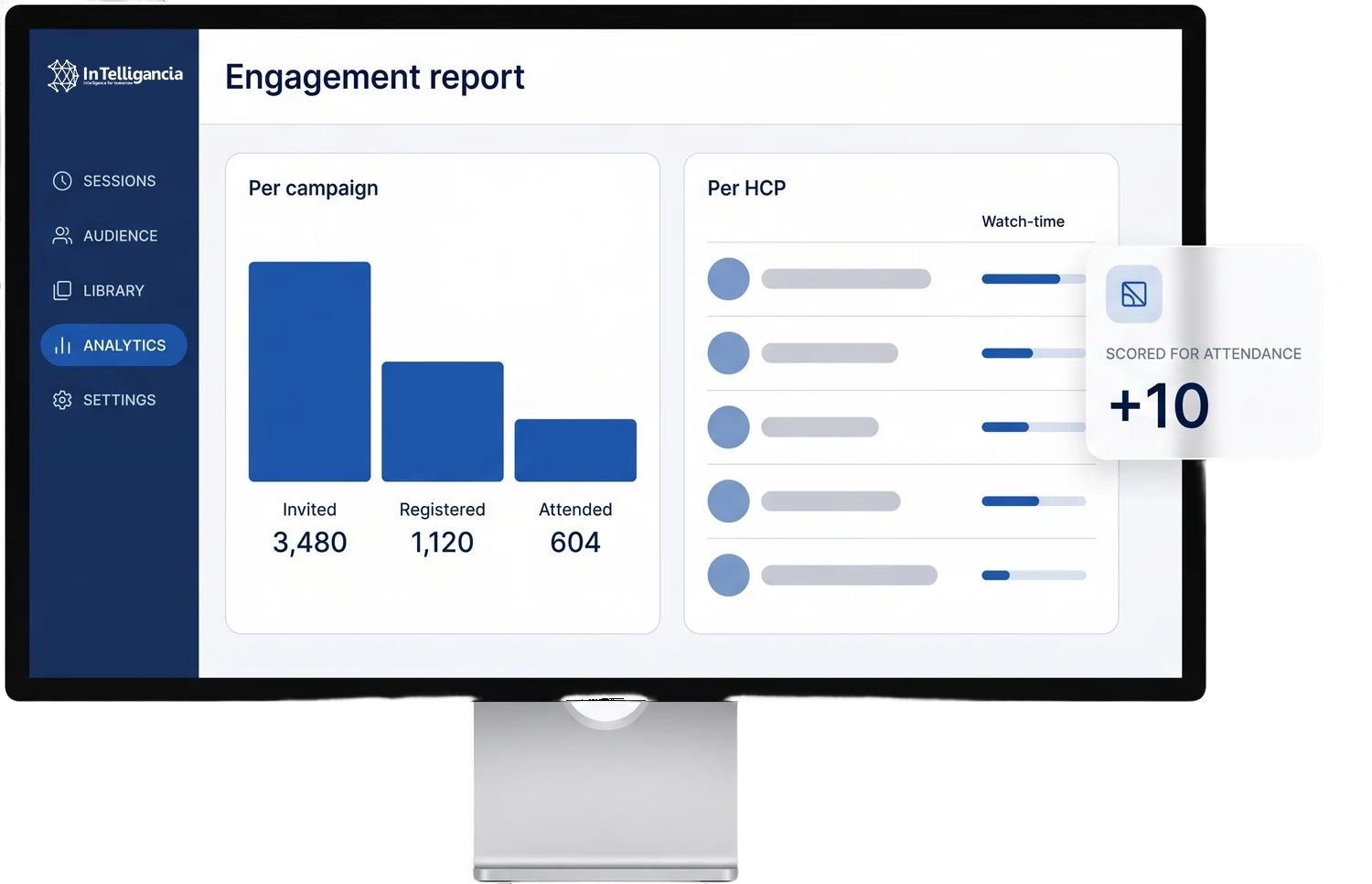
Reporting
The platform spreadsheet stops at attendance. These two views carry the session forward — what the campaign produced, and what each named professional did with the hour.
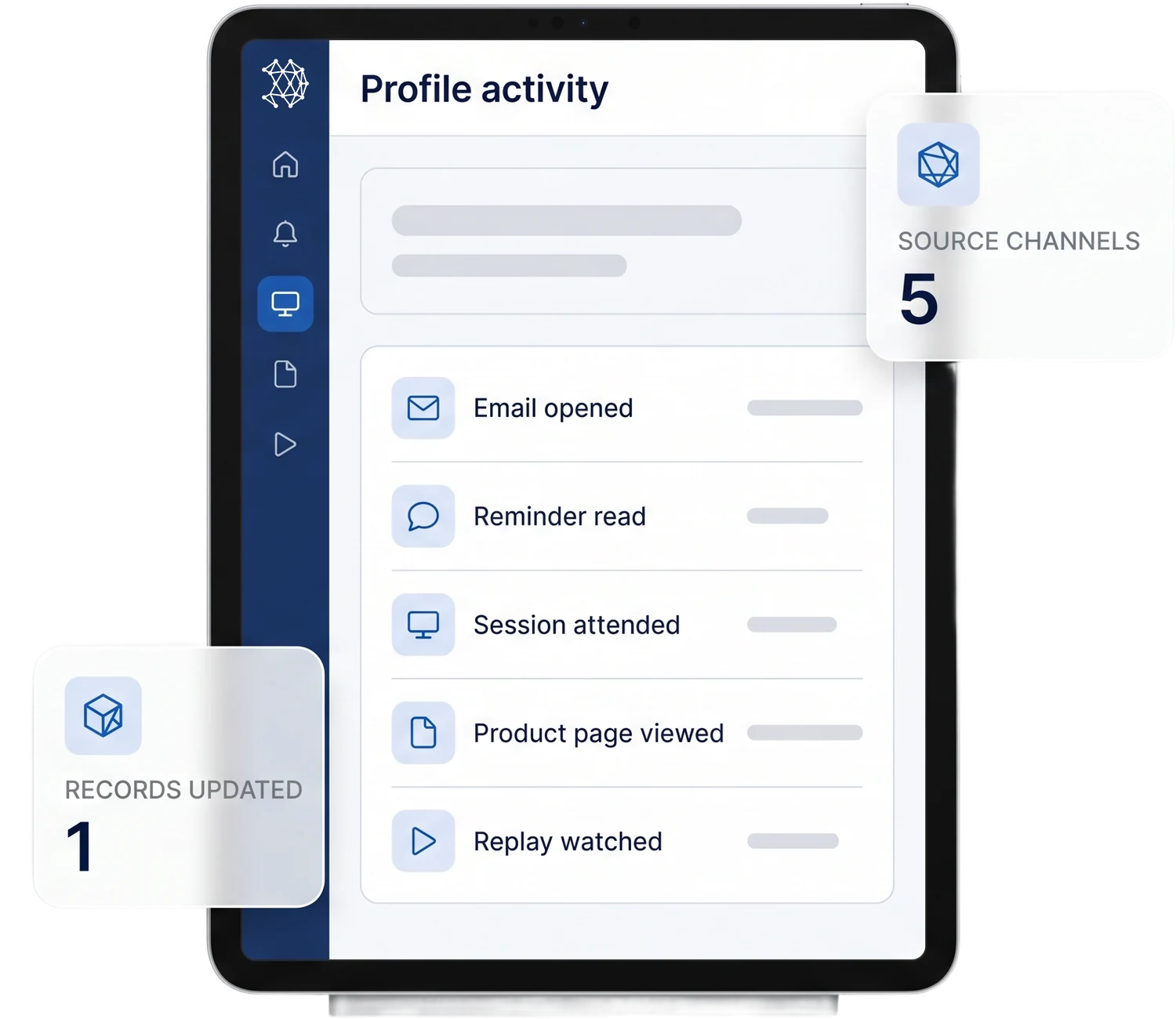
Connections
Every stop on the sequence writes to the same profile. By the time the session is archived, each record belongs to a named, specialty-tagged professional rather than to an event.
Announcement, reminder and last call go out; opens, clicks and the registration source come back.
Reminders at 24 hours, one hour and go-live; delivery and read status return per attendee.
Registration creates the profile and the login; the session streams inside your own domain.
Attendees arrive holding a login and open pages they were never sent; those views record against the same profile.
The finished session is archived with its materials; replays and watch-time are recorded alongside live attendance.
Questions
No. Sessions run in the browser on your portal, with nothing to install and no external client. That matters when HCPs join between clinics, on hospital networks that restrict what can be installed.
There is no single fixed number. The stream is sized to the invited audience when the session is scoped, and the concurrent ceiling is agreed with you at that point rather than discovered on the day.
Sessions can be built to carry assessment and automated certification where an accreditation route exists in the market. The awarding body and the route are confirmed market by market before the session is built, so what the attendee earns is agreed in advance rather than after the fact.
Yes. Sessions run in Arabic or English, with the interface, materials and communications matched to the audience. Simultaneous interpretation and subtitled recordings are scoped session by session rather than assumed.
A producer does — rehearsal, green room, transitions and technical support — so the brand team attends rather than operates. Rehearsal on the actual platform is where technical problems are meant to surface, and on the day the producer handles the fallback while the moderator holds the room.
The recording sits in your on-demand library and can be exported. The recording and the attendance data are yours: we hold them on your behalf, and you can export both at any time.
The whole point
Every channel writes back to the same profile. One record per doctor, one score, one next action — whichever channel produced the signal.
Book a meeting